
Professional Headshots Generator
One-click business portrait generator. Create professional headshots for LinkedIn, realtors, enterprises and marketing agencies.
🎁 Sign up now and get 5 free credits
Upload Your Photo
Notice: Upload a clear front-facing selfie only. Do not upload group photos, blurry shots, or images that contain sensitive or illegal content.
Result
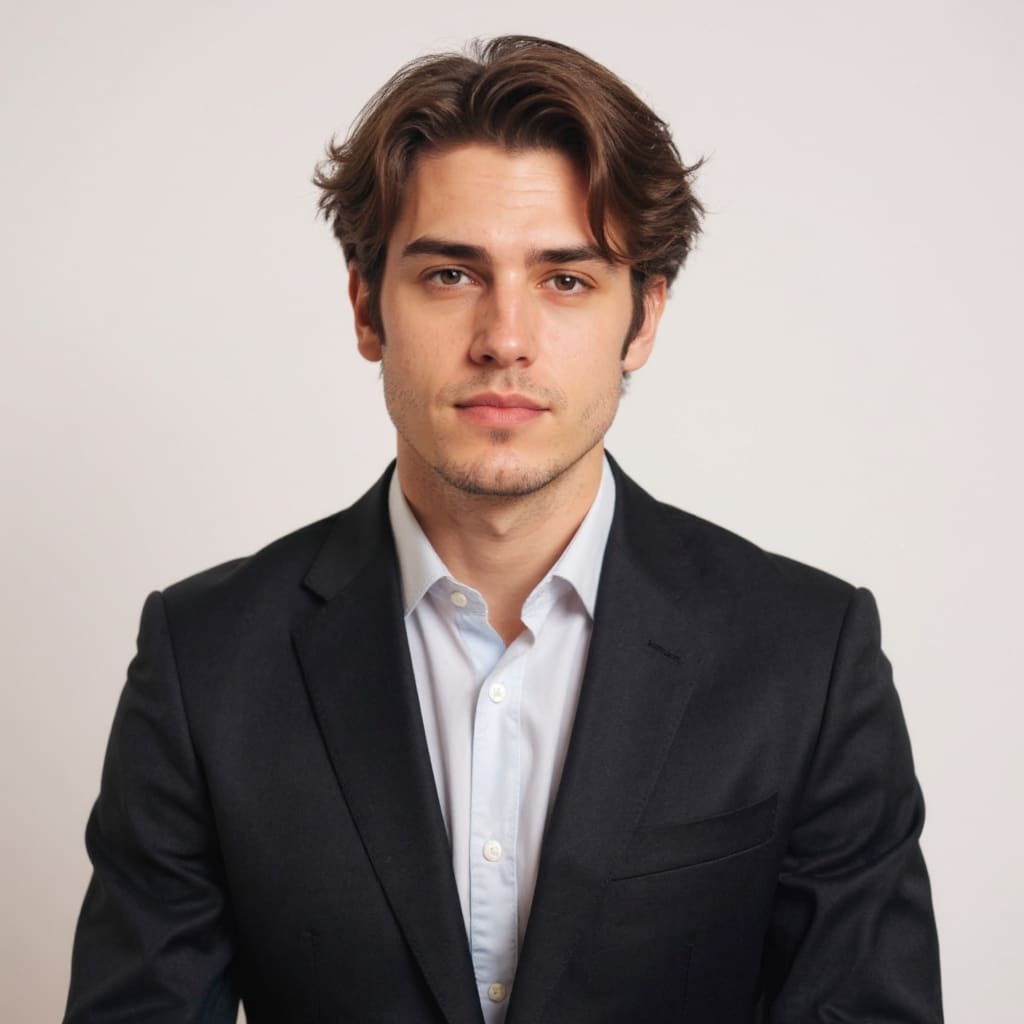
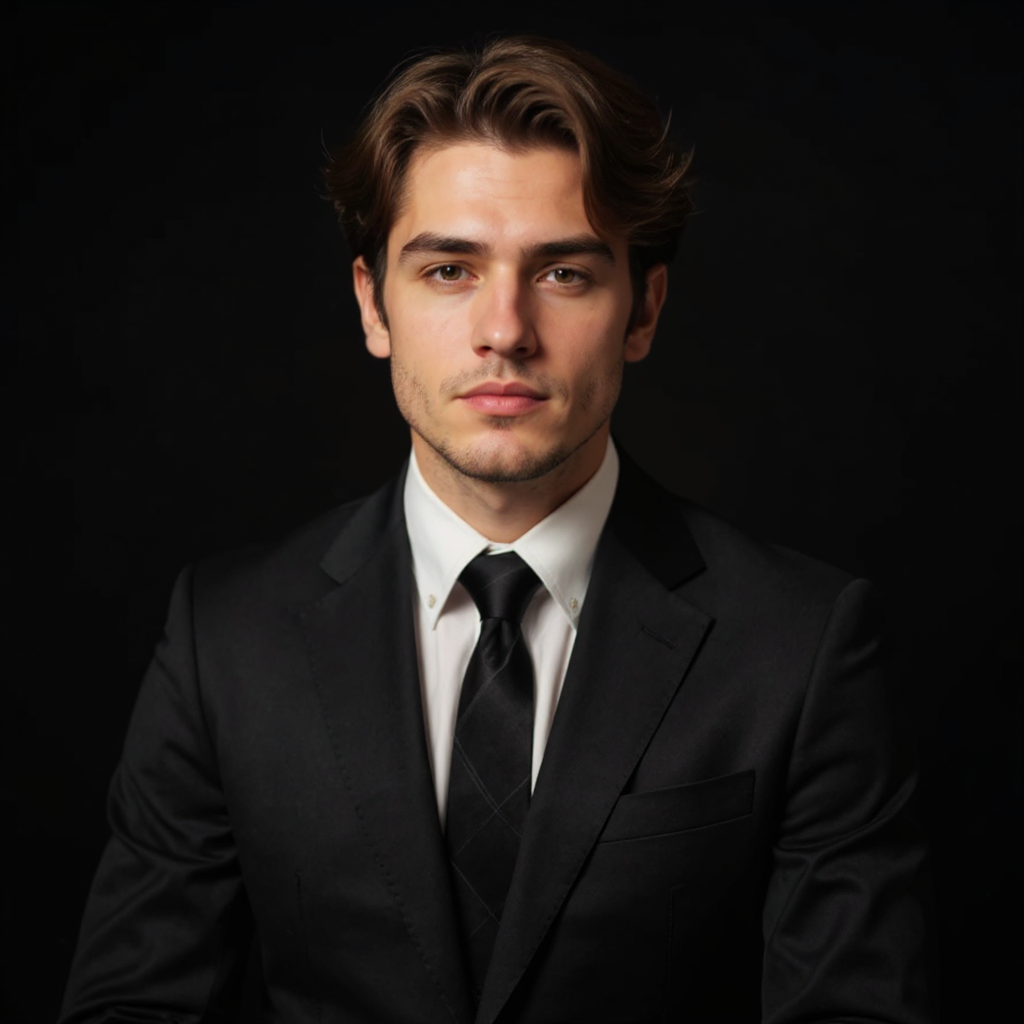
What is an AI Professional Headshots Generator
An AI Professional Headshots Generator is a deep-learning tool that turns ordinary selfies into studio-like business portraits. Professional Headshots keeps your facial features unchanged and only upgrades outfit, background and lighting.
- Natural Output from the Professional Headshots GeneratorAutomatically identifies faces and blends them naturally while preserving the original pose, lighting, expression, and fine details.
- Studio Rendering Tailored for Professional HeadshotsAI matches skin tone, lighting and shadows, producing crisp portrait results close to a real professional photography studio.
- One-Click Workflow of the AI Professional Headshots GeneratorNo studio or retouching skills. Upload one photo and the AI Professional Headshots Generator creates formal portraits in seconds.
Why Choose This Professional Headshots Generator
Studio-quality Professional Headshots without the studio hassle, price or scheduling.
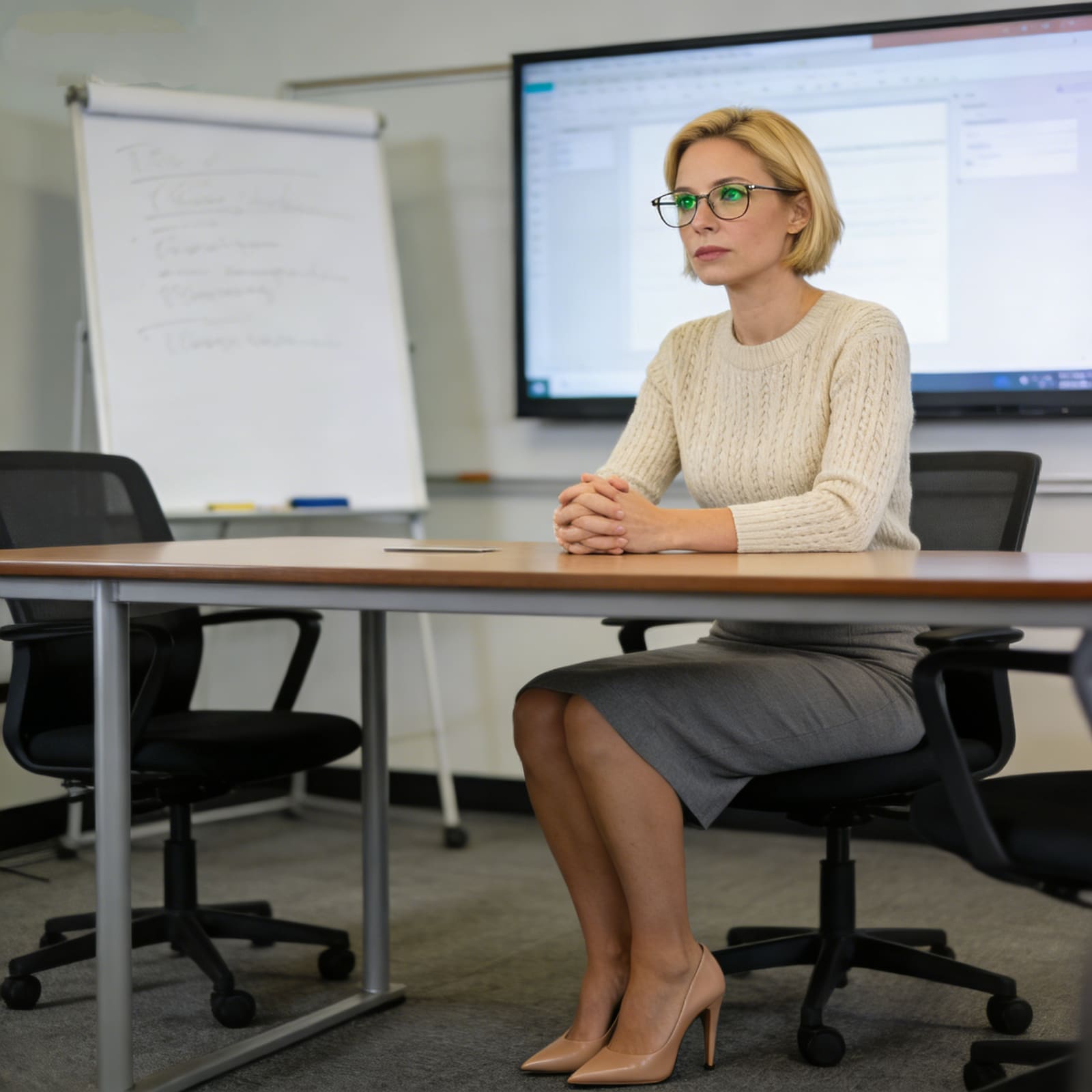
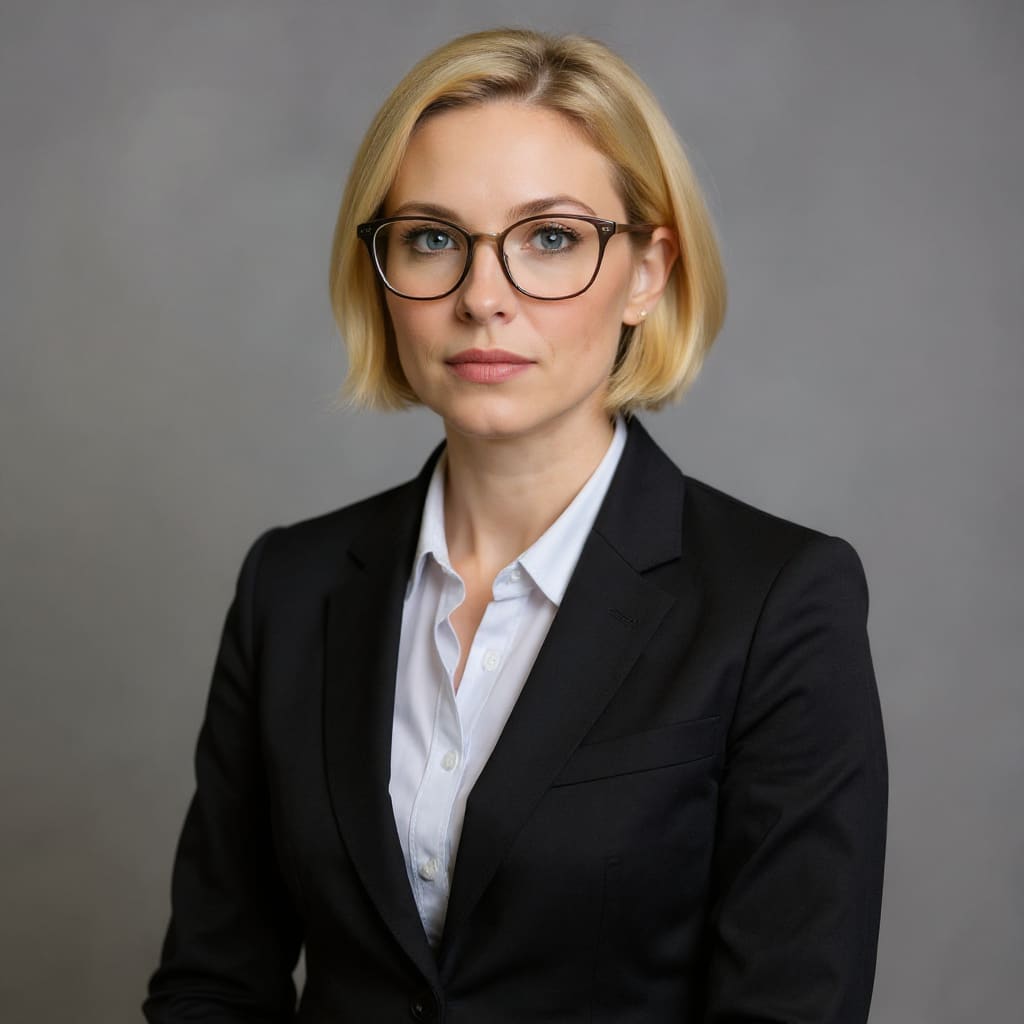
How to Generate Professional Headshots
Create your ideal business portrait with this Professional Headshots Generator in 4 simple steps:

Use Cases for the Professional Headshots Generator
A reliable AI Professional Headshots Generator for business resumes, LinkedIn profiles, corporate teams and marketing materials — produce polished formal portraits tailored to each industry scenario.
Professional Social Avatars Powered by Professional Headshots
LinkedIn headshots, industry community accounts and professional networking page avatars that leave a trustworthy first impression.
Resume & Application Professional Headshots
Resume photos and recruitment platform profile pictures for campus hiring and social recruitment — boost interview response rates with a formal look.
Corporate Identity Professional Headshots
Staff directory portraits, company website team introduction photos and internal office system avatars for unified, on-brand visuals.
Marketing Material Professional Headshots
Speaker profile photos, creator professional portraits and business introduction document images for pitch decks and brand kits.
Event & Conference Professional Headshots
Virtual conference guest introduction photos, live stream cover images and summit speaker visuals with a formal executive look.
Academic Scenario Professional Headshots
University faculty profile photos, student ID portraits, research forum avatars and alumni association official materials.
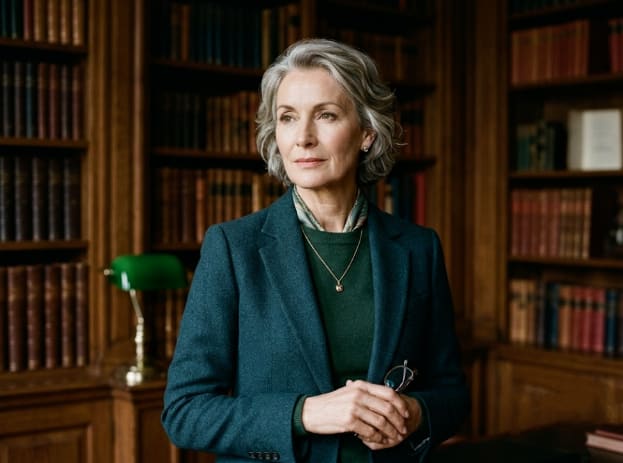
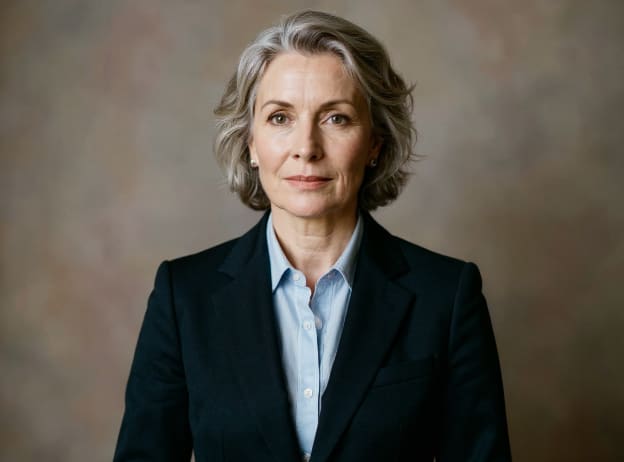
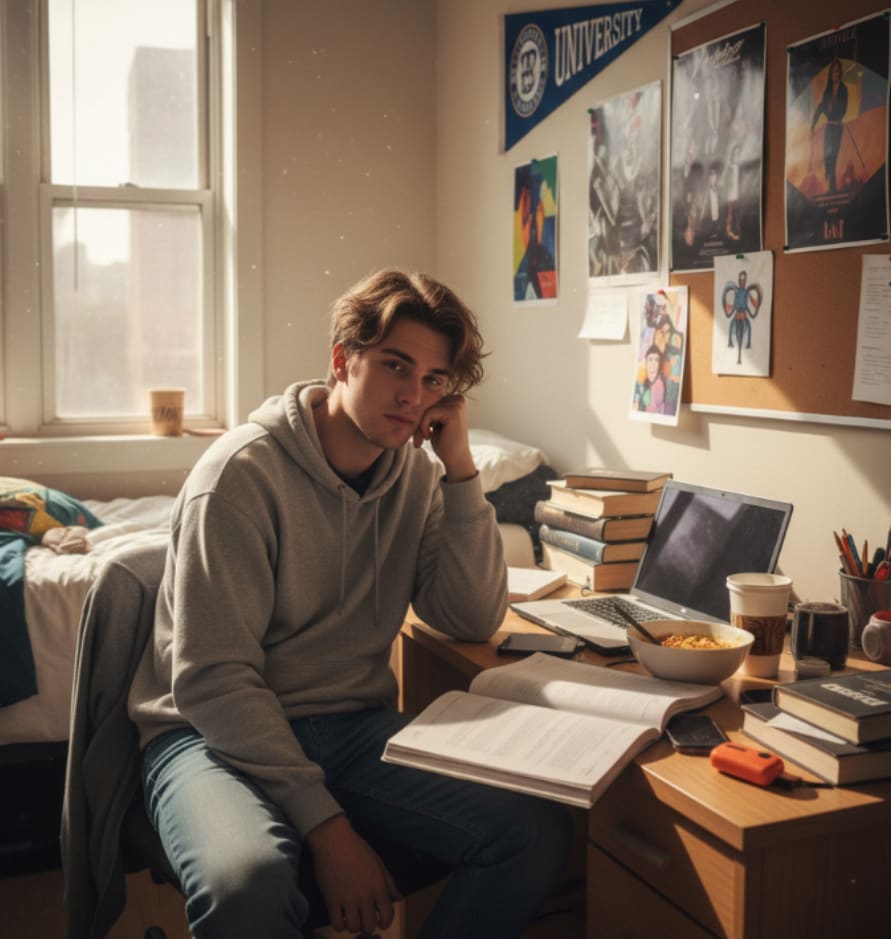
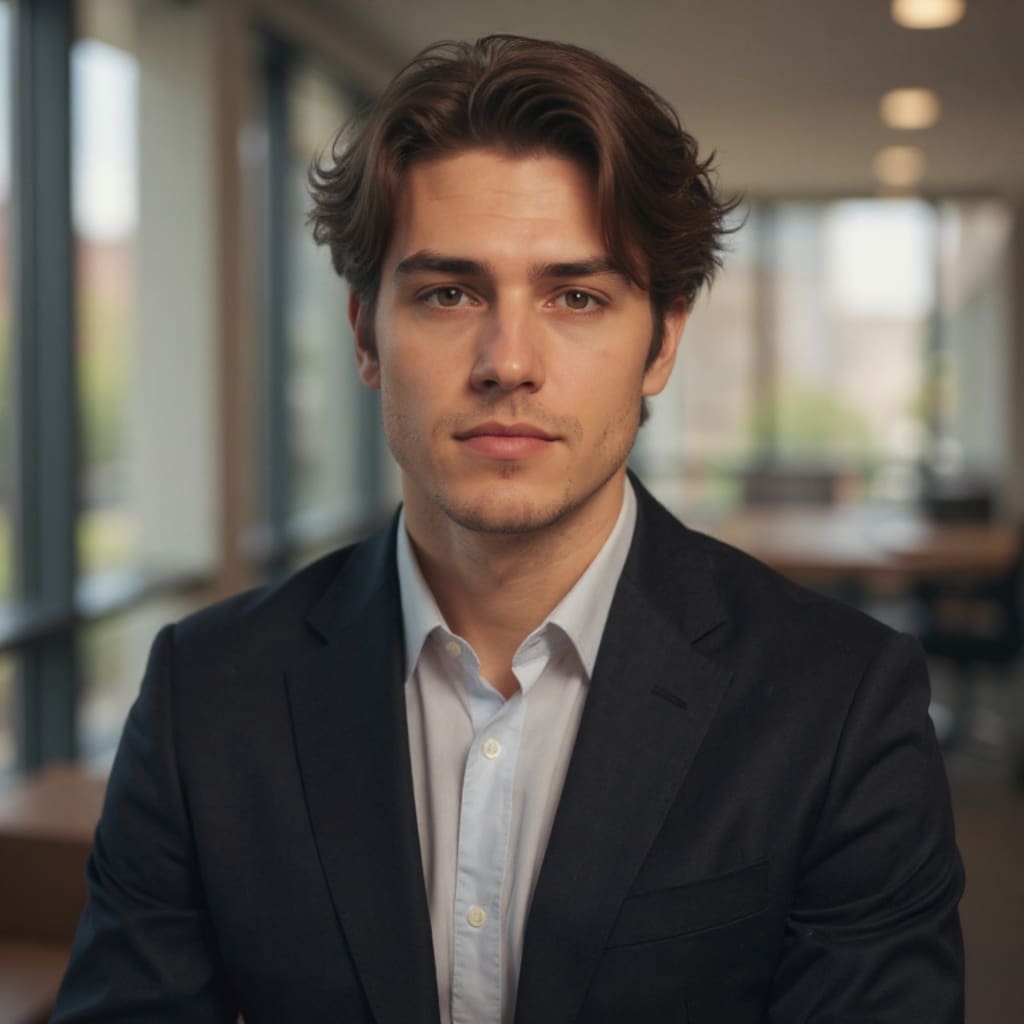
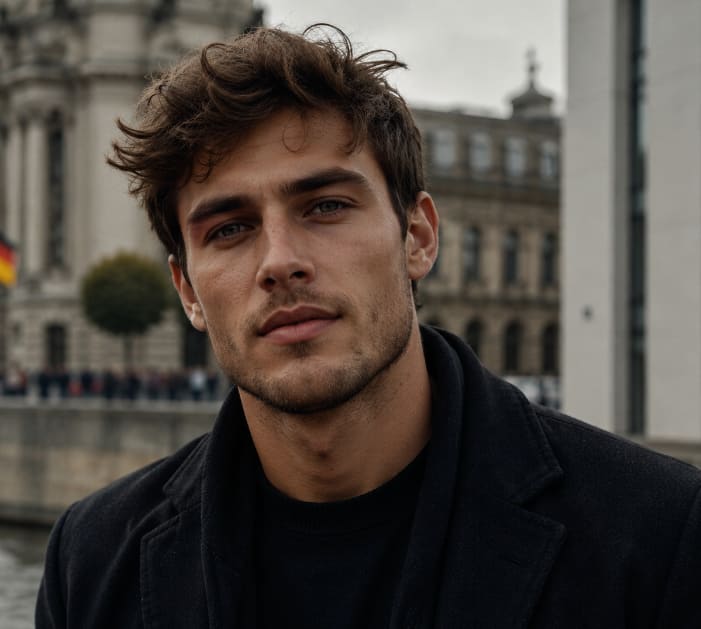
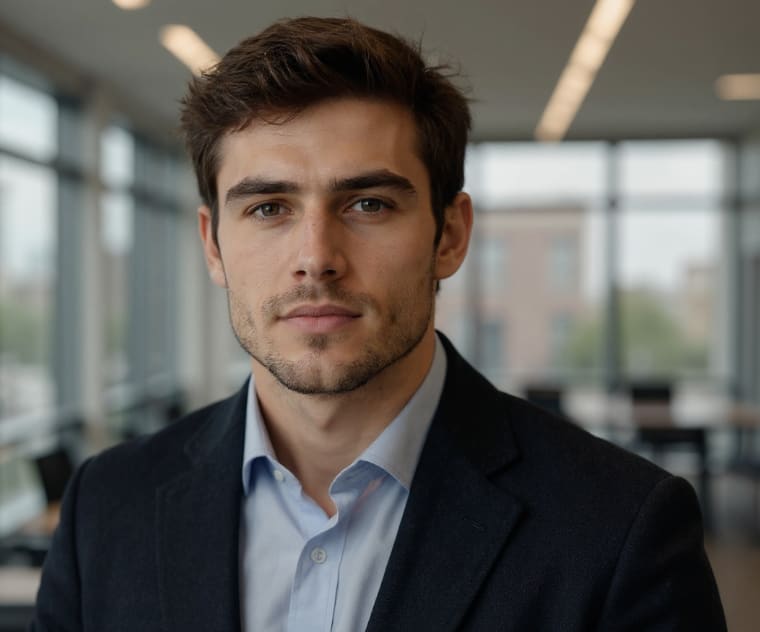
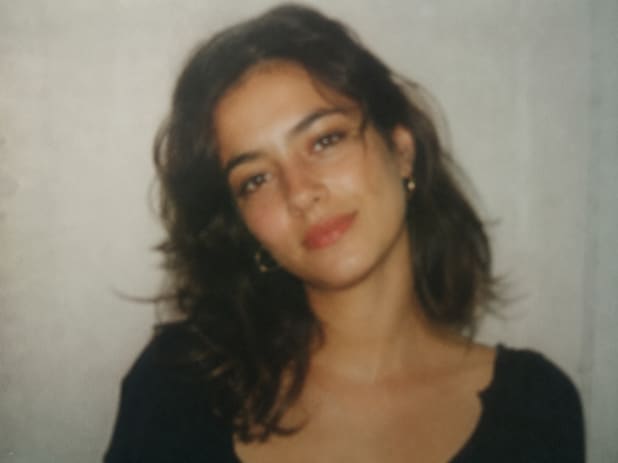
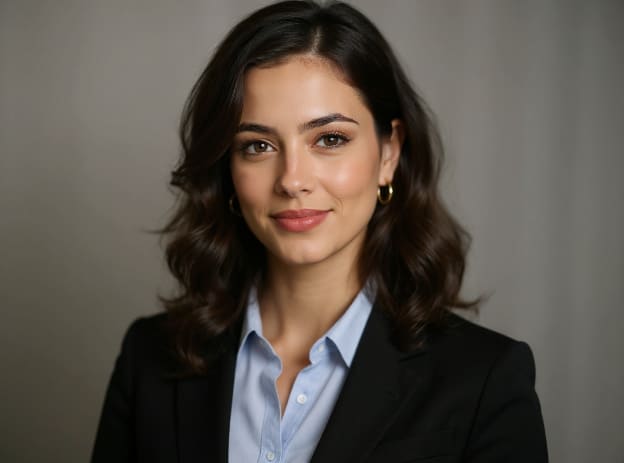
Before & After — Real Professional Headshots Results
Pricing for the Professional Headshots Generator
Choose one-time credits for occasional use, or a monthly subscription for steady Professional Headshots generation.
100 Credits · Professional Headshots Pack
One-time credit top-up for a small batch of Professional Headshots. No subscription, no recurring charges.
Includes
- 100 Credits for Professional Headshots
- High-Speed AI Generation
- HD No Watermark Downloads
- Priority Support
- Credits Never Expire
Starter Pack
350 Credits · Professional Headshots Bulk
One-time bulk credit pack for larger batches of AI Professional Headshots. Better per-credit value, still no subscription.
Includes
- 350 Credits for AI Professional Headshots
- Ultra-Speed Generation Queue
- Ultra HD Quality Output
- Dedicated Support
- Early Access to New Professional Headshot Styles
- Credits Never Expire
Most Popular
What Users Say About Our Professional Headshots Generator
Hear from users who created their Professional Headshots with this AI tool.
Emily
Marketing Manager
Uploaded a casual selfie and got a clean LinkedIn Professional Headshot in seconds. Interview responses noticeably went up.
Mark
Recent Graduate
Turned my campus selfie into a formal resume photo with the Professional Headshots Generator. Great for someone with zero professional shots.
David
HR Director · Tech Startup
Rolled out consistent team Professional Headshots for our website quickly. Same style, no photoshoot scheduling needed.
Linda
Licensed Realtor
A warm, trustworthy business portrait that matches my listings. Simple to regenerate Professional Headshots if I want a new look.
Mike
B2B SaaS Founder
Solid Professional Headshots for pitch decks and founder bios. Easy to switch suit colors to match brand visuals.
Sarah
Conference Speaker
Fast way to get a consistent Professional Headshot across summits. Square and 4:3 crops both work well from the generator.
James
PhD Candidate · Business School
Kept my glasses and natural look, just upgraded the outfit. Perfect AI Professional Headshots for faculty and research pages.
FAQ for the AI Professional Headshots Generator
Common questions about the AI Professional Headshots Generator and how to use Professional Headshots.
Q: Will the tool alter my facial features, face shape or appearance when generating headshots?
A: No. It only changes your clothing to a formal business outfit and replaces the background to a studio setting. Your face shape, unique facial features and original natural front-facing pose stay 100% unchanged. No beautification filters, no facial reshaping, no any form of facial swapping or face substitution whatsoever.
Q: What photos can I upload to create Professional Headshots? Do selfies or casual photos work?
A: Selfies, daily casual photos, campus photos and vintage portrait photos are all supported. For better Professional Headshots, we recommend front-facing photos with a clear face and no heavy obstruction.
Q: Can I choose different suits, shirts and backgrounds in the Professional Headshots Generator?
A: Yes. You can pick various business outfits. Available backgrounds include plain white, solid black, neutral tone, gray and realistic office backdrop to match different formal Professional Headshot styles.
Q: Can the generated Professional Headshots be used on resumes, job platforms and LinkedIn?
A: Standard square Professional Headshot output is supported. Generated images fit resumes, recruitment websites, company internal documents and professional social media profiles.
Q: Will my uploaded photos be saved when I use the AI Professional Headshots Generator?
A: Uploaded images are only processed for the current Professional Headshot creation. They will not be stored, shared or used commercially without consent. Your portrait privacy is protected.
Q: Can I generate multiple styles of Professional Headshots from a single photo?
A: One uploaded photo can produce multiple Professional Headshot options, including suits in different colors, solid-color backgrounds and office scene backgrounds.
Q: Does the Professional Headshots Generator work with glasses, different hairstyles or side-profile photos?
A: It supports glasses and all kinds of hairstyles and preserves your natural look. Front-facing photos deliver more stable Professional Headshots compared to side profiles.
Q: Can I regenerate Professional Headshots and switch styles if I am not satisfied?
A: You may regenerate Professional Headshots and change outfits and background combinations. Each regeneration consumes corresponding credits until you get your ideal Professional Headshot.
Q: What image formats does the Professional Headshots Generator accept for upload?
A: All common formats including PNG, JPG and WEBP are accepted for generating Professional Headshots.
Q: Can I use group photos to create a single Professional Headshot?
A: Single-person photos are highly recommended for best Professional Headshot quality. Group photos may cause recognition errors. Please crop to a single portrait before uploading.
Q: Do I have the right to use the Professional Headshots generated by the tool?
A: As long as you own the portrait rights of the original photo, you may use the generated Professional Headshots for personal and professional purposes.
Q: Can I customize the aspect ratio of my Professional Headshots?
A: You can select the standard square ratio for Professional Headshots, or keep the same aspect ratio as your original photo.
Q: Can blurry or dimly lit photos be used to generate Professional Headshots?
A: Dark or heavily blurred photos will affect facial recognition and likeness preservation in your Professional Headshots. We suggest uploading clear photos with sufficient lighting.
Q: How long does the AI Professional Headshots Generator take to render my portrait?
A: Rendering finishes quickly after submission, and you can receive your generated Professional Headshot in a short while.
Start Creating Your Professional Headshots Today
Use the AI Professional Headshots Generator and turn any selfie into a formal business portrait instantly.